Managing product quantities is an important part of running a successful Shopify store. Some businesses need to set minimum order quantities, maximum purchase limits, or control how many items customers can buy at one time. Without proper order restrictions, stores may face inventory problems, bulk buying issues, or unexpected order management challenges.
In this guide, we will explore the Ziva Order Limits Shopify App Review, its powerful features, benefits, setup process, and how it can help Shopify merchants control orders more effectively in 2026.
Whether you sell limited products, wholesale items, special collections, or high-demand products, an order limit solution can help you create a better shopping experience and manage your inventory efficiently.
Table of Contents
What Is Ziva Order Limits Shopify App?
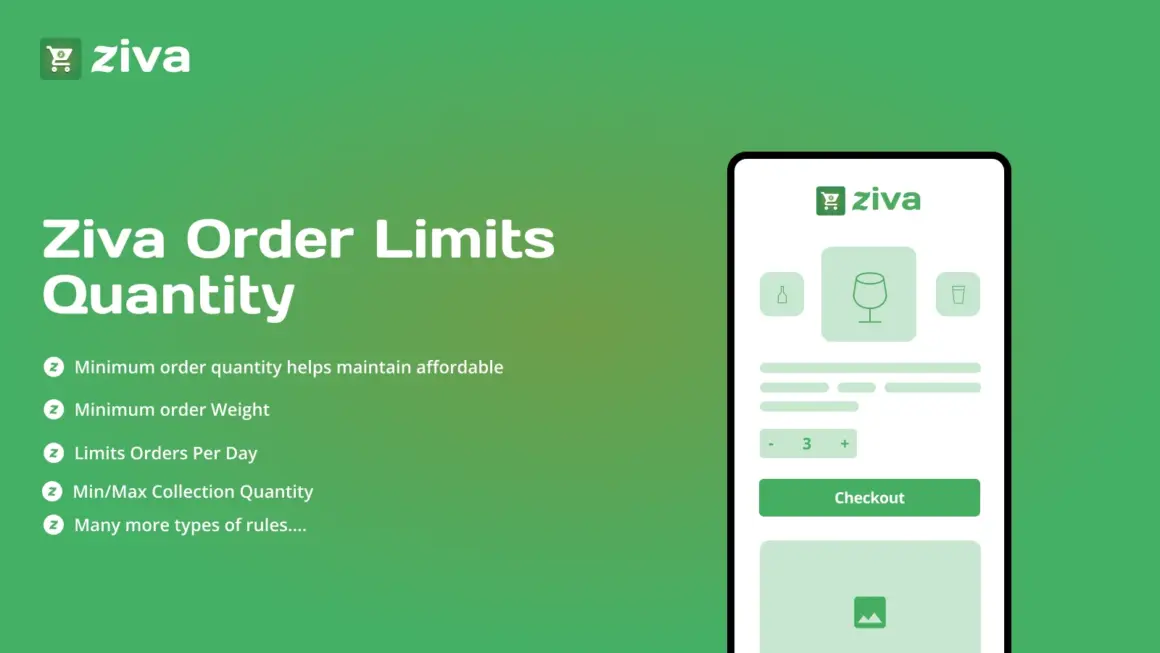
The Ziva Order Limits Shopify App Review starts with understanding the main purpose of the app. Ziva is a Shopify app designed to help merchants control product quantity limits during the shopping process.
The app allows store owners to define rules for how many units customers can purchase. This helps businesses maintain better stock control and prevent unwanted ordering situations.
Instead of manually checking every order, merchants can use automated quantity rules to manage purchases smoothly.
Why Order Limits Are Important for Shopify Stores
Every Shopify business has different inventory requirements. Some products may have limited stock, while others may require minimum purchase quantities.
Order limit features help merchants:
- Prevent excessive purchases
- Maintain inventory balance
- Support wholesale ordering
- Improve customer experience
- Create better selling strategies
Using the right order management tool can make daily store operations easier and more organized.
7 Powerful Features of Ziva Order Limits Shopify App
1. Set Minimum and Maximum Quantity Limits
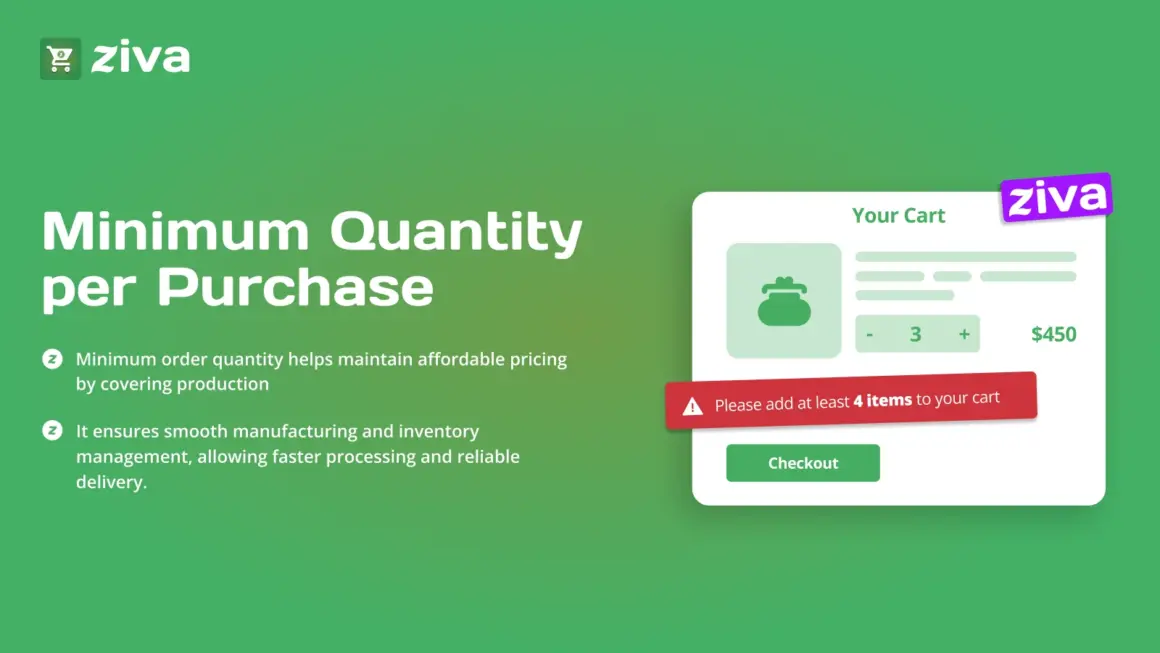
The main feature highlighted in this Ziva Order Limits Shopify App Review is the ability to set minimum and maximum quantity rules.
Merchants can decide how many products customers can purchase in a single order. This is useful for businesses that want customers to buy a specific quantity or avoid purchasing too many units.
2. Better Inventory Control
Managing stock becomes easier when merchants can control product quantities. The app helps reduce inventory problems by creating clear purchasing limits.
This feature is especially helpful for stores selling limited-stock products.
3. Product-Based Order Rules
Different products may require different limits. With Ziva, merchants can create specific quantity rules based on their product requirements.
For example, one product may have a maximum purchase limit, while another product may require a minimum quantity.
4. Improve Wholesale Selling
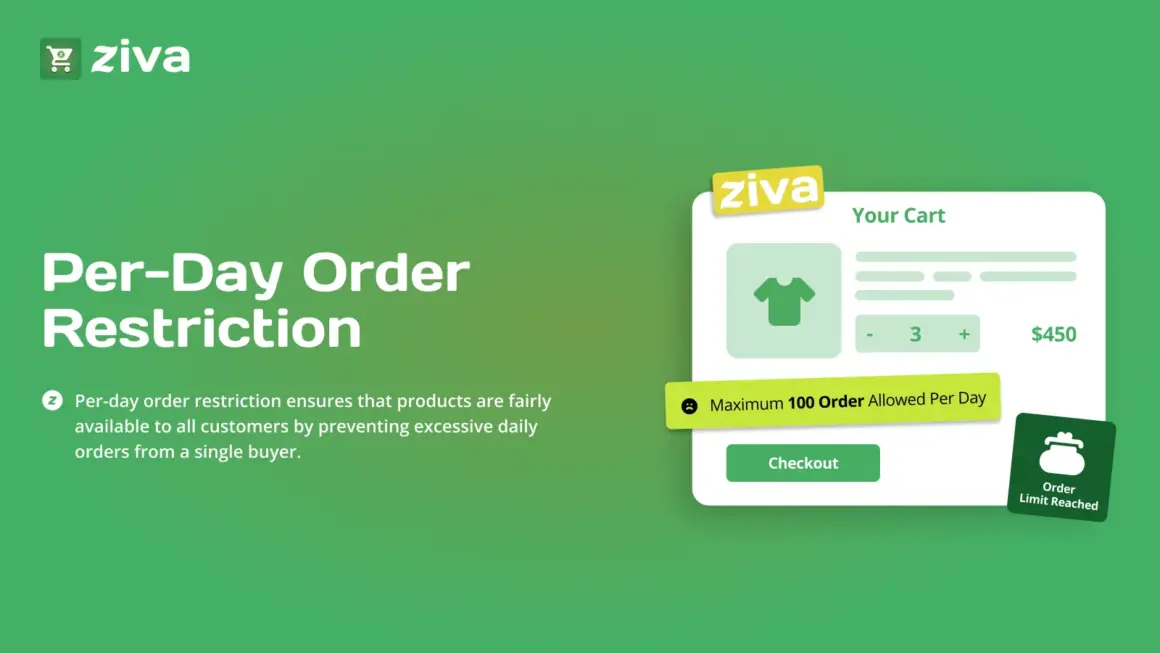
Wholesale businesses often require minimum order quantities. The Ziva Order Limits Shopify App Review shows how merchants can use quantity rules to support wholesale and bulk ordering strategies.
This helps businesses maintain consistent order values and improve sales management.
5. Simple Store Management
The app provides an easy way to manage order restrictions without complicated settings. Shopify merchants can create and update rules according to their business needs.
6. Better Customer Shopping Experience
Clear quantity rules help customers understand purchasing requirements before checkout. This reduces confusion and creates a smoother shopping journey.
7. Easy Setup Process
One important benefit mentioned in this Ziva Order Limits Shopify App Review is the simple setup process. Merchants can start managing product quantities without needing advanced technical knowledge.
Benefits of Using Ziva Order Limits Shopify App
Prevent Unwanted Orders
Order limits help businesses avoid situations where customers purchase more products than available stock.
Maintain Product Availability
Controlling quantities allows more customers to access popular products instead of a few customers buying all available inventory.
Support Different Business Models
Whether you run a retail store, wholesale business, or limited-edition product shop, quantity control can support your selling strategy.
Save Operational Time
Automated quantity rules reduce manual order checking and make store management more efficient.
How to Set Up Ziva Order Limits Shopify App
Step 1: Install the App
Install the app from the Shopify App Store and connect it with your Shopify store.
Step 2: Select Products
Choose which products require quantity restrictions.
Step 3: Create Order Rules
Set minimum or maximum quantity limits based on your business requirements.
Step 4: Test Customer Experience
Check your store to ensure quantity rules work correctly before making them live.
Step 5: Monitor and Update Rules
Review your product requirements regularly and adjust limits when needed.
Who Should Use Ziva Order Limits Shopify App?
The Ziva Order Limits Shopify App Review shows that this app can be useful for different types of online stores, including:
- Wholesale Shopify stores
- Fashion brands
- Limited edition product sellers
- Electronics stores
- Beauty product businesses
- Food and beverage stores
- Subscription-based businesses
Any merchant who wants better control over customer purchases can benefit from this type of solution.
Best Practices for Using Order Limits
- Set limits according to your inventory capacity.
- Clearly communicate quantity rules to customers.
- Review limits during sales campaigns.
- Adjust restrictions based on product demand.
- Use quantity rules to improve order management.
Explore Ziva Order Limits Shopify App
If you want to learn more about features, installation, and app details, you can explore the official Ziva Order Limits Shopify App page on the Shopify App Store.
For more Shopify tutorials, guides, and useful resources, visit ShopifyLearner and learn more about improving your Shopify store performance.
How Ziva Helps Shopify Stores Grow
The Ziva Order Limits Shopify App Review explains how controlling product quantities can create a more organized and reliable shopping experience.
When customers have clear purchase limits, merchants can manage inventory better, reduce order-related issues, and create a smoother buying process. This helps Shopify stores operate efficiently while maintaining customer satisfaction.
Frequently Asked Questions
What is Ziva Order Limits Shopify App?
The Ziva Order Limits Shopify App Review explains that Ziva is a Shopify solution that helps merchants set product quantity restrictions for customer orders.
Can I set minimum order quantities?
Yes. Merchants can create minimum quantity rules based on their product requirements.
Can I limit maximum product purchases?
Yes. The app allows merchants to control maximum quantities customers can purchase.
Is Ziva suitable for wholesale stores?
Yes. Wholesale businesses can use quantity rules to manage bulk orders effectively.
Does Ziva require coding knowledge?
No. The app is designed to be simple and easy for Shopify merchants to manage.
Conclusion
The Ziva Order Limits Shopify App Review shows that managing product quantities is essential for Shopify stores that want better inventory control and smoother order management. With features like minimum and maximum quantity limits, product-based rules, and easy setup, Ziva helps merchants create a more organized shopping experience.
For Shopify businesses dealing with limited stock, wholesale orders, or quantity-based selling strategies, using an order limit app can be a valuable step toward improving store efficiency in 2026.