
Online shoppers cannot touch or try your products before buying. This makes product images and videos very important for a Shopify store. A good visual experience can help customers understand products faster and discover items they may want to buy.
A Shopify Shoppable Gallery App can take this idea further by turning normal images and videos into shopping experiences. Instead of only showing product photos, you can connect products to visual content and help customers move from inspiration to product discovery.
In this guide, we will look at 7 simple ways a Shopify Shoppable Gallery App can help improve your store and support more product discovery in 2026.
Table of Contents
What Is a Shoppable Gallery?
A shoppable gallery is a collection of images or videos where customers can discover products directly from the visual content. For example, a fashion store can show a model wearing several products and let shoppers explore the products shown in the image.
A Shopify Shoppable Gallery App makes this type of experience easier to add to a Shopify store without building everything from scratch.
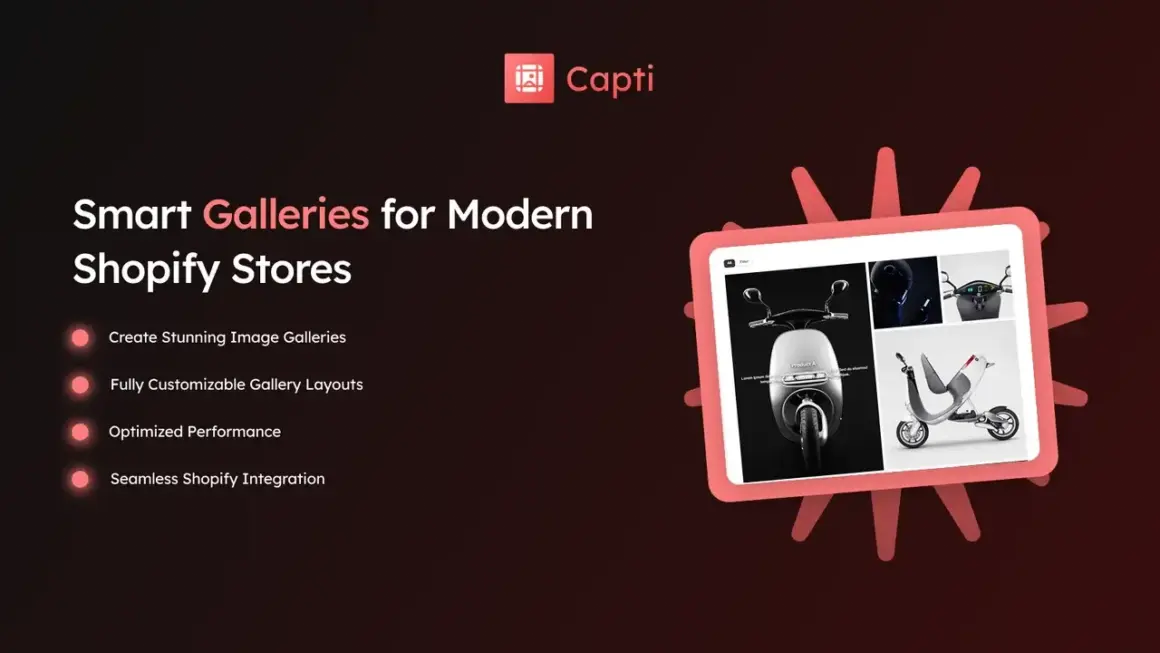
Capti Gallery Image & Video is one example. It allows merchants to create image and video galleries, lookbooks, carousels, and other gallery layouts. It also supports product tagging through hotspots for shoppable experiences.
7 Ways a Shoppable Gallery Can Help Your Store
1. Turn Product Images Into Shopping Experiences
Normal product images show customers what an item looks like. A shoppable image can do more by helping customers discover the products shown inside the image.
For example, a home decor store can create a room image with a sofa, table, lamp, and rug. Customers can explore the products featured in that visual instead of searching through the store manually.
This is one of the biggest benefits of using a Shopify Shoppable Gallery App.
2. Make Product Discovery Easier
Customers do not always know the exact product name they want. Sometimes they start shopping because they see something they like.
A visual gallery can help these shoppers discover products naturally. They can look at an image, find an interesting item, and then explore the related product.
With a Shopify Shoppable Gallery App, your images can become another way for customers to browse your product catalog.
3. Create Better Lookbooks
Lookbooks are useful for fashion, furniture, home decor, beauty, and lifestyle brands. They allow stores to show products in real-life combinations instead of displaying each item separately.
Capti Gallery supports lookbooks along with grid, masonry, carousel, slider, and stack layouts. The app also supports product tagging hotspots, making it possible to connect products with visual content.
A Shopify Shoppable Gallery App can therefore make your lookbook more useful instead of using it only as a visual design element.
4. Use Videos to Show Products
Images are useful, but videos can show more details. A short video can demonstrate how a product looks, moves, fits, or works.
Capti Gallery Image & Video supports both photos and videos, allowing merchants to build visual galleries with different types of content.
Using video in a Shopify Shoppable Gallery App can be especially useful for products where customers benefit from seeing the item in use.
5. Improve the Store Browsing Experience
A good Shopify store should make it easy for customers to move from one product to another. Large product lists can sometimes feel boring or difficult to explore.
Visual galleries provide another way to organize products. Customers can browse through images, videos, collections, or lookbooks and discover products in a more engaging format.
A Shopify Shoppable Gallery App can help add this visual layer to your store without replacing your normal product and collection pages.
6. Make Your Store More Mobile-Friendly
Many customers browse Shopify stores from smartphones. This means visual content needs to work well on smaller screens.
Capti Gallery is designed to be responsive across desktop, tablet, and mobile devices. It can also be added to Shopify 2.0 stores and page-builder layouts.
When using a Shopify Shoppable Gallery App, always check your gallery on mobile and make sure images, videos, product tags, and navigation are easy to use.
7. Give Customers More Reasons to Explore Products
The more useful ways customers have to discover products, the easier it can be for them to find something they like.
A visual gallery can connect inspiration with actual products. Instead of seeing an attractive image and leaving the page, shoppers can explore the products behind the image.
This makes a Shopify Shoppable Gallery App useful for stores that want to create a stronger connection between visual content and product discovery.
Capti Gallery Image & Video for Shopify
Capti Gallery Image & Video is developed by Xuuro. The app is designed to help merchants create image and video galleries without coding. It supports unlimited galleries on supported plans, multiple gallery layouts, bulk media uploads, product tagging hotspots, and responsive designs.
You can explore Capti Gallery Image & Video on the Shopify App Store to see its current features and plans.
You can also explore the Xuuro Shopify Apps collection for other tools from the same developer.
Which Stores Can Use a Shoppable Gallery?
A Shopify Shoppable Gallery App can work for many types of ecommerce stores.
- Fashion stores
- Home decor stores
- Furniture stores
- Beauty brands
- Jewelry stores
- Accessory stores
- Lifestyle brands
- Sports stores
- Art and design stores
If your products look better when shown in real-life situations, a shoppable gallery can be a useful addition to your store.
Tips for Creating Better Shoppable Galleries
Adding a gallery is only the first step. The content you use also matters.
- Use clear and high-quality product images.
- Show products in real-life situations.
- Use short videos when they add useful information.
- Tag the correct products.
- Keep product names easy to understand.
- Do not add too many elements to one image.
- Check the gallery on mobile devices.
These simple steps can help your Shopify Shoppable Gallery App provide a better experience for customers.
Can Shoppable Galleries Replace Product Pages?
No. A shoppable gallery should work together with your product pages, collections, and other store sections.
The gallery can help customers discover products, while the product page can provide detailed information such as price, description, sizes, variants, shipping information, and reviews.
Think of a Shopify Shoppable Gallery App as another path that takes customers from visual discovery to product details.
More Shopify Resources
If you want simple guides about Shopify apps, themes, ecommerce, and store growth, visit ShopifyLearner.
Learning about different Shopify tools can help you choose features that match your store and customer needs.
Frequently Asked Questions
What is a Shopify Shoppable Gallery App?
It is a Shopify app that helps merchants create image or video galleries where customers can discover and interact with products featured in the visual content.
Can shoppable galleries increase sales?
They can support product discovery by making it easier for shoppers to move from visual content to products. However, actual sales results depend on factors such as product quality, pricing, traffic, and the overall store experience.
Can I use videos in a shoppable gallery?
Yes. Apps such as Capti Gallery Image & Video support both images and videos, allowing merchants to create richer visual content.
Is Capti Gallery easy to set up?
Capti is designed to let merchants create galleries without coding. It supports several layouts and can be added to different pages or sections of a Shopify store.
Is a shoppable gallery useful on mobile?
Yes. Mobile-friendly galleries can help customers browse visual content comfortably on smartphones. Always test your gallery on different screen sizes before publishing it.
Conclusion
A Shopify Shoppable Gallery App can turn ordinary images and videos into a more useful shopping experience. Instead of using visual content only for decoration, you can use it to help customers discover products and explore your store.
The seven benefits are simple: create shoppable images, improve product discovery, build better lookbooks, use videos, improve browsing, support mobile shopping, and give customers more ways to explore products.
Capti Gallery Image & Video is a useful option for merchants who want to create image and video galleries with layouts such as grids, masonry, carousels, sliders, and lookbooks, along with product tagging features on supported plans.
If your store depends on strong visuals, adding a shoppable gallery can be a simple way to make your product content more useful and create a smoother path from inspiration to purchase.