Customers often decide what to buy by looking at products in real-life situations. A simple product photo can show what an item looks like, but a complete visual story can help customers imagine how the product will fit into their own life.
This is where a Shopify Lookbook App can be useful. A lookbook allows merchants to combine product images, lifestyle photos, videos, and related products into one visual experience. Instead of showing products one by one, you can show how different products work together.
In this guide, we will cover 6 creative ways a Shopify Lookbook App can help inspire customers, improve product discovery, and support more product sales in 2026.
Table of Contents
What Is a Shopify Lookbook App?
A lookbook is a visual collection that presents products in a real-life or themed setting. For example, a fashion store can create a lookbook showing a complete outfit, while a furniture store can show a complete living room with different products.
A Shopify Lookbook App helps merchants create these visual experiences directly inside their Shopify store. Customers can explore the images and discover the products featured in them.
This approach can make product browsing more interesting because customers are not only looking at individual products. They are also seeing ideas for how those products can be used.
6 Creative Ways to Inspire More Product Sales
1. Show Products in Real-Life Settings
One of the best ways to inspire customers is to show products in a real setting. Customers can understand a product better when they see it being used or placed in a familiar environment.
For example, a furniture store can show a sofa, table, rug, and lamp together in a living room. A fashion store can show a complete outfit with clothing, shoes, and accessories.
A Shopify Lookbook App makes it easier to turn these lifestyle images into an interactive shopping experience.
When customers see products in context, they may also discover products they were not originally looking for.
2. Create Complete Product Collections
Lookbooks are useful for showing products that belong together. Instead of asking customers to search through different collection pages, you can present related products in one visual story.
For example, a home decor brand could create a “Modern Living Room” lookbook featuring several products from the same style.
Customers can explore the complete setup and then choose the individual products they like.
With a Shopify Lookbook App, merchants can create visual collections that help customers discover multiple products naturally.
3. Make Lookbook Images Shoppable
A strong lookbook should not only look attractive. It should also make it easy for customers to find the products shown in the image.
Shoppable images can connect products directly to visual content. Customers can see an item they like and quickly explore the related product instead of searching for it manually.
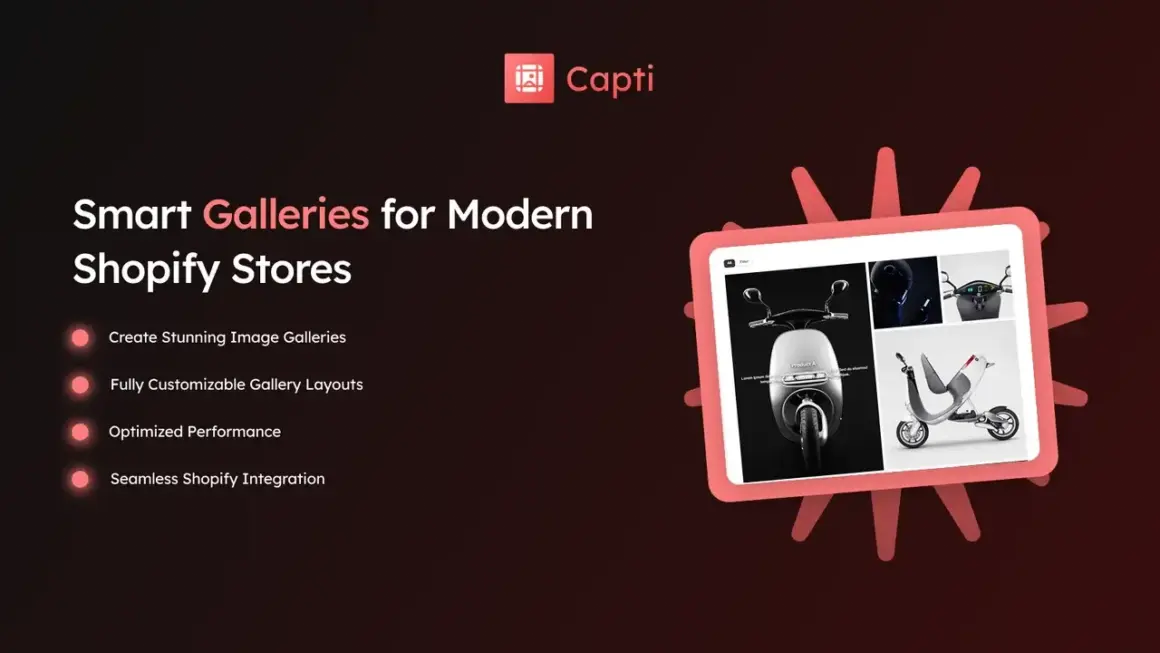
Capti Gallery Image & Video supports product tagging hotspots that can be used to create shoppable lookbooks. You can explore Capti Gallery Image & Video on the Shopify App Store to check its current features.
This makes a Shopify Lookbook App useful for connecting inspiration with product discovery.
4. Use Lookbooks for New Collections
Launching a new collection can be a good reason to create a lookbook. Instead of announcing every new product separately, you can create one visual story around the collection.
For example, a fashion brand launching a summer collection can create a lookbook showing different outfits and styles from the new range.
A furniture store could create a new-season room design and feature all the products used in that room.
A Shopify Lookbook App can help merchants present new products in a way that feels more visual and engaging.
5. Inspire Customers With Product Ideas
Sometimes customers know that they want something but do not know exactly what to buy. A lookbook can help by giving them ideas.
Instead of simply listing products, you can show customers how products can be combined or used.
For example, a clothing store can show three different ways to style the same jacket. A home decor store can show different ways to arrange products in a room.
This type of content can help customers move from “I like this” to “I can use this in my home or lifestyle.”
A Shopify Lookbook App can turn these ideas into visual shopping experiences.
6. Improve Product Discovery
Customers may visit your store looking for one product but discover several others while browsing a lookbook.
For example, someone looking for a dining table may notice the chairs, lighting, rug, and wall decor shown in the same room.
This creates more opportunities for customers to explore related products.
A Shopify Lookbook App can therefore help merchants connect products visually and make the store easier to explore.
Capti Gallery Image & Video for Shopify
Capti Gallery Image & Video is a Shopify app developed by Xuuro. It supports image and video galleries, lookbooks, carousels, product galleries, collection galleries, and portfolio grids. The app also provides product tagging hotspots for shoppable visual experiences.
The app offers different layouts such as Grid, Masonry, Carousel, Slider, and Stack. It is also designed to work across desktop, tablet, and mobile devices.
You can also explore the Xuuro Shopify Apps collection to find other apps from the same developer.
Which Shopify Stores Can Use Lookbooks?
A Shopify Lookbook App can work well for stores where product presentation and lifestyle images are important.
- Fashion stores
- Furniture stores
- Home decor stores
- Jewelry stores
- Beauty brands
- Footwear stores
- Accessory stores
- Lifestyle brands
- Interior design stores
If your customers need inspiration before buying, a lookbook can be a useful addition to your Shopify store.
How to Create a Better Lookbook
A good lookbook does not need to be complicated. Focus on useful visuals and make sure customers can understand the products shown in each image.
- Use high-quality lifestyle images.
- Show products in real situations.
- Group products that naturally work together.
- Use clear product names.
- Add product tags when useful.
- Keep the layout simple.
- Make sure the lookbook works well on mobile.
These simple steps can help you get more value from your Shopify Lookbook App without making your store difficult to use.
Lookbooks for Different Product Types
Fashion
Fashion stores can use lookbooks to show complete outfits. Customers can see how shirts, pants, shoes, bags, and accessories work together.
Furniture
Furniture stores can create room-based lookbooks. A single room can feature sofas, tables, chairs, lighting, rugs, and other products.
Home Decor
Home decor brands can show different design styles and room ideas. This can help customers understand how individual products may look together.
Beauty
Beauty brands can use lookbooks to show products in use or create themed collections around different looks.
Lookbook and Customer Experience
The main goal of a lookbook should be to help customers. Do not add images simply to make the page look busy.
Each visual should give customers useful information, inspiration, or a reason to explore another product.
A Shopify Lookbook App works best when the visual content feels natural and the products are easy to find.
Keep navigation simple, use clear images, and avoid adding too many elements to one page.
Tips for Better Product Discovery
Lookbooks can become even more useful when they are connected to your product and collection structure.
- Link featured products to their product pages.
- Use relevant product collections.
- Add descriptive image captions when useful.
- Keep product information accurate.
- Use consistent photography.
- Test the lookbook on mobile devices.
Good product discovery can help customers move from inspiration to product research more easily.
Why Visual Shopping Matters
Online shoppers cannot physically see or touch products before purchasing them. Images and videos help reduce this gap by showing products from different angles and in real situations.
Lookbooks take this idea one step further by showing products as part of a complete story.
A Shopify Lookbook App can help merchants use this visual approach to make their stores more engaging while keeping products easy to discover.
More Shopify Resources
If you want simple guides about Shopify apps, themes, ecommerce, and store growth, visit ShopifyLearner.
Learning about Shopify tools can help you find simple ways to improve your store without adding unnecessary complexity.
Frequently Asked Questions
What is a Shopify Lookbook App?
It is an app that helps Shopify merchants create visual lookbooks using product images, lifestyle photos, videos, and product links.
Can a lookbook help increase product sales?
A good lookbook can help customers discover products and understand how they can be used together. This may create more opportunities for product exploration and purchases.
Can lookbooks be shoppable?
Yes. Some apps support product tagging or hotspots, allowing customers to discover products directly from lookbook images.
Can I use videos in a lookbook?
Yes. Apps such as Capti Gallery Image & Video support both images and videos, allowing merchants to create richer visual experiences.
Is a lookbook useful for mobile shoppers?
Yes. A responsive lookbook can help mobile shoppers explore products more comfortably. Always test your visual content on phones and tablets before publishing it.
Conclusion
A Shopify Lookbook App can help turn ordinary product images into an inspiring shopping experience. Instead of showing products one at a time, merchants can present complete outfits, rooms, collections, and lifestyle ideas.
The six creative ways to use a lookbook are showing products in real-life settings, creating complete product collections, making images shoppable, promoting new collections, inspiring customers with product ideas, and improving product discovery.
Capti Gallery Image & Video from Xuuro is one option for merchants who want to create lookbooks along with image and video galleries. Its current Shopify listing includes lookbook layouts, product tagging hotspots, multiple gallery styles, and responsive designs.
The key is to keep your lookbook simple, useful, and easy to shop. Use strong visuals, connect images with relevant products, and give customers ideas they can actually use. When inspiration and product discovery work together, your Shopify store can become more engaging and easier to explore.