Managing product quantities is an important part of running a Shopify store. Sometimes a store owner wants customers to buy more products, but in other situations, allowing customers to buy too many units of one product can create problems. This is especially true for limited-stock products, wholesale items, promotional products, and products with high demand.
A clear quantity limit can help merchants keep orders under control and manage their inventory more easily. In this guide, we will explain how Shopify Maximum Order Quantity works and share five simple ways merchants can use maximum quantity limits to improve order management in 2026.
Table of Contents
What Is Shopify Maximum Order Quantity?
Shopify Maximum Order Quantity means setting a limit on how many units of a product or selected products one customer can purchase in an order.
For example, if you have a product with limited stock, you may want to allow each customer to purchase a maximum of five units. This prevents one customer from adding a very large quantity to the cart.
Maximum quantity limits can be useful for different types of Shopify stores. They can help merchants control product availability, manage limited inventory, support fair purchasing, and reduce problems caused by very large orders.
Why Should Shopify Stores Set Maximum Quantity Limits?
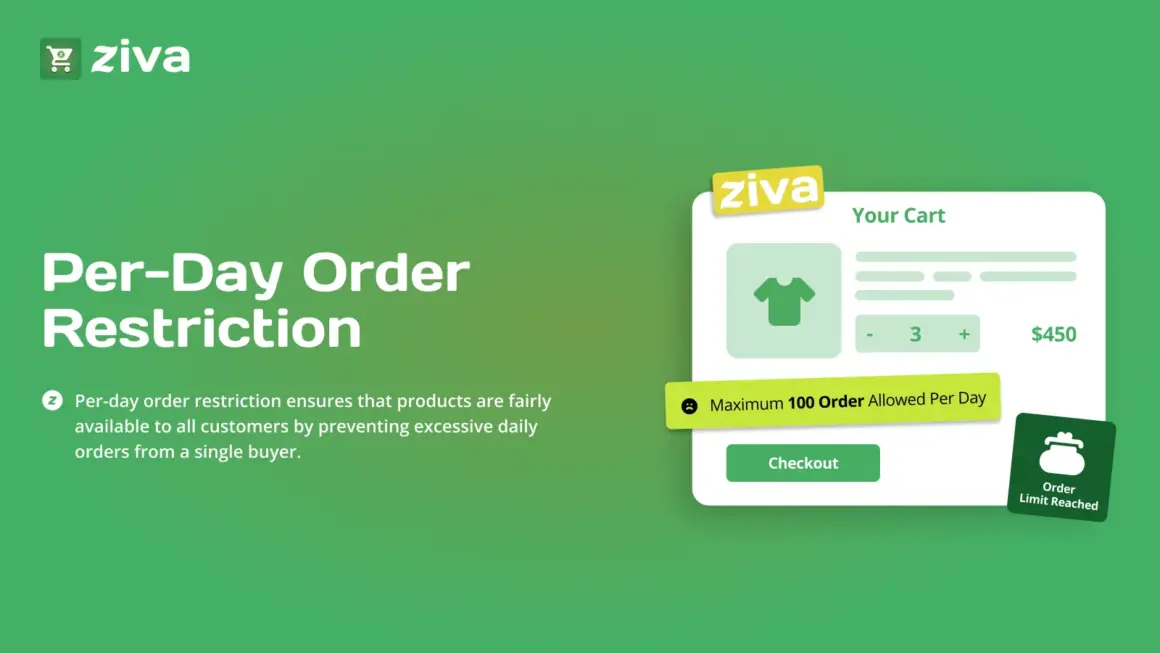
Without quantity limits, customers may be able to purchase a large number of units of the same product. This may not always be a problem, but it can become difficult when inventory is limited.
For example, imagine that a store has only 100 units of a popular product. If one customer purchases 50 units, other customers may not get a chance to buy the product.
Setting a reasonable limit can help the store manage this situation better.
- Control limited inventory
- Reduce very large orders
- Give more customers a chance to buy
- Protect popular products from bulk buying
- Make inventory planning easier
- Manage promotional products more effectively
5 Easy Ways to Control Orders
1. Set a Limit on Popular Products
The first simple use of Shopify Maximum Order Quantity is for products that sell very quickly.
If a product is popular and has limited inventory, setting a maximum quantity can help prevent one customer from purchasing too many units at once.
For example, you can allow customers to purchase a maximum of three or five units of a popular product. This can help more shoppers get an opportunity to purchase the item.
This strategy can be especially useful during product launches, seasonal sales, and limited-stock promotions.
2. Control Promotional Products
Promotional products often have special prices, so customers may want to purchase many units. If you are offering a large discount on a product, you may not want one customer to purchase the entire available stock.
A quantity limit can help keep the promotion available to more customers.
For example, if you are offering a special price for a new product, you could set a limit of two units per order. This allows more customers to take advantage of the promotion.
3. Protect Limited-Stock Products
Limited-stock products need careful inventory management. When the available stock is small, large orders can quickly reduce your inventory.
Using Shopify Maximum Order Quantity can help merchants create a simple rule for these products.
For example, if only 20 units are available, you may decide that one customer can purchase a maximum of two units. This can help spread the available stock across more customers.
4. Manage High-Demand Product Launches
New product launches can create a sudden increase in demand. If a new product becomes popular quickly, customers may try to purchase several units at once.
Setting a maximum quantity before the launch can help merchants prepare for this situation.
For example, a store launching a limited-edition product may allow only one or two units per order. This can help make the launch fairer and give more shoppers an opportunity to purchase the product.
5. Control Bulk Buying
Some Shopify stores sell products that are mainly intended for individual customers. In these cases, very large orders may not match the store’s sales strategy.
A quantity limit can help control bulk buying and keep orders within the range that works best for the business.
This can also be useful when a store has limited stock and wants to avoid selling too much inventory to one customer.
Benefits of Setting Maximum Quantity Limits
Better Inventory Control
Shopify Maximum Order Quantity rules can help merchants control how much of a product one customer can purchase. This can make inventory planning easier, especially when stock is limited.
Fairer Product Availability
When a popular product has a quantity limit, more customers may have a chance to purchase it. This can be useful for limited-edition products and high-demand items.
Better Order Management
Very large orders can sometimes create extra work for merchants. Quantity limits can help keep orders within a manageable range.
Protect Promotional Stock
If you are running a special promotion, a quantity limit can help prevent a small number of customers from buying most of the promotional stock.
Useful for Different Business Models
Maximum quantity rules can be useful for retail stores, product launches, limited-stock businesses, seasonal stores, and other Shopify businesses that need better control over product quantities.
How to Set a Maximum Quantity Rule
Step 1: Choose the Product
First, identify the product that needs a quantity limit. Start with popular, limited-stock, or promotional products.
Step 2: Decide the Maximum Quantity
Choose a number that makes sense for your product and inventory. For example, you may allow a maximum of two, five, or ten units per order.
Step 3: Add the Quantity Rule
Use a suitable Shopify quantity-limit solution to create the rule for your selected product.
Step 4: Test the Rule
Try adding the product to the cart and increase the quantity above the selected limit. Make sure the rule works correctly before making it available to customers.
Step 5: Inform Customers
If there is a strict quantity limit, make the rule easy for customers to understand. A clear message can prevent confusion during checkout.
Using Ziva to Control Product Quantities
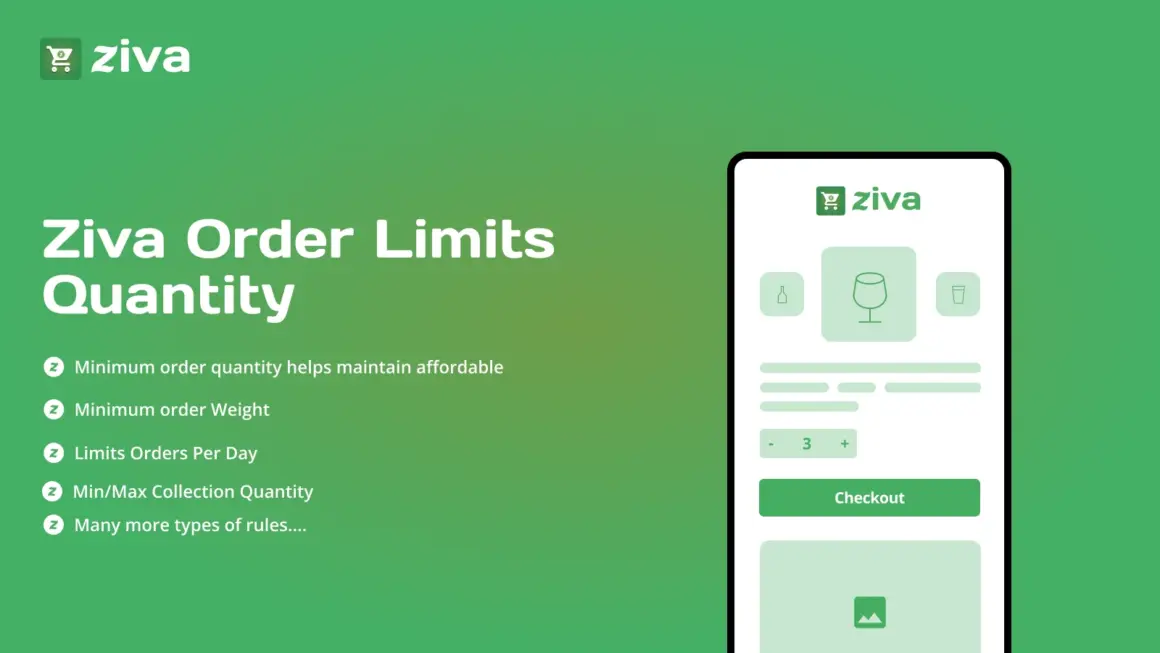
Shopify merchants who need product quantity controls can explore Ziva Order Limits & Quantity on the Shopify App Store.
The app is focused on order limits and quantity control, making it relevant for merchants who want to set rules around how many products customers can purchase.
Before installing the app, check the official Shopify App Store page for the latest features, pricing, and available options because these details can change over time.
Best Practices for Quantity Limits
- Set limits based on your actual inventory.
- Use lower limits for highly limited products.
- Keep the rules easy for customers to understand.
- Test every rule before publishing it.
- Review limits when inventory changes.
- Remove unnecessary limits when they are no longer needed.
- Explain the limit clearly when it affects the buying process.
When Should You Use Maximum Quantity Limits?
Shopify Maximum Order Quantity rules are not necessary for every product. They are most useful when there is a clear reason to control how many units a customer can purchase.
You may want to use them for:
- Limited-edition products
- High-demand products
- New product launches
- Special promotional items
- Low-stock products
- Seasonal products
- Products with supply limits
For regular products with plenty of inventory, a quantity limit may not be needed. The best approach is to use limits only where they solve a real business problem.
Example of a Maximum Quantity Strategy
Imagine you sell a popular skincare product. The product becomes very popular after a social media campaign, but you only have 100 units available.
Without a limit, one customer could potentially purchase a large number of units. This could leave other customers unable to buy the product.
Instead, you could set a maximum of three units per order. Customers can still purchase the product, but one order cannot take a large part of your available stock.
When more inventory arrives, you can review the rule and increase or remove the limit if needed.
Common Mistakes to Avoid
Setting Limits Too Low
A limit that is too low can frustrate genuine customers. Always consider how many units a normal customer may want before setting the rule.
Not Explaining the Limit
If customers do not understand why they cannot add more units, they may think there is a problem with your store. Keep the message clear.
Forgetting to Update Rules
Inventory and promotions change over time. Make sure your quantity rules are updated when your stock or sales strategy changes.
Using Limits Everywhere
Not every product needs a quantity limit. Use these rules where they provide a clear benefit to your store.
More Shopify Resources
If you want to learn more about Shopify apps, store management, eCommerce tools, and practical Shopify tips, visit ShopifyLearner.
You can also explore the Starkiu Shopify App Partner page to discover other Shopify apps and tools that can help with different store management needs.
Frequently Asked Questions
What is Shopify Maximum Order Quantity?
Shopify Maximum Order Quantity means setting a maximum number of units that a customer can purchase for a product or selected products in one order.
Why should I limit product quantities?
Quantity limits can help protect limited inventory, control bulk buying, support product launches, and give more customers a chance to purchase popular products.
Can I set different limits for different products?
Yes, a quantity-limit solution can allow merchants to create different rules depending on their product and inventory needs. Check the app’s current features to see which rules are supported.
Are maximum quantity limits useful for promotions?
Yes. They can help prevent one customer from purchasing too much promotional stock and allow more customers to benefit from a special offer.
Can I change a quantity limit later?
Yes. Merchants should review their quantity rules when inventory, product demand, or promotional campaigns change.
Conclusion
Shopify Maximum Order Quantity can be a simple but useful way to control how many units customers purchase in one order. It can help merchants manage limited inventory, protect promotional stock, support product launches, and reduce large bulk purchases.
The five methods in this guide show that quantity limits can be used for more than just restricting customers. When used correctly, they can help create a better balance between inventory control and customer access.
Start with products that actually need limits, choose a reasonable quantity, test the rule, and clearly explain it to customers. With the right approach, maximum order limits can become a useful part of your Shopify store management strategy in 2026.