When a product goes out of stock, a Shopify store can lose more than one sale. A customer may visit your store, find the product they want, and leave when they see that it is unavailable. In many cases, that customer may not come back later to check whether the product is available again.
This is where Shopify Back in Stock Notifications can help. Instead of losing interested shoppers, you can give them an easy way to know when a product becomes available again. This can help bring customers back to your store and create another chance to complete the sale.
In this guide, we will look at four easy ways to use back-in-stock notifications to recover lost sales. We will also explain how they work, why they matter, and how Shopify merchants can use them as part of a simple sales strategy.
Table of Contents
What Are Shopify Back in Stock Notifications?
Shopify Back in Stock Notifications are alerts that let customers know when a product that was previously unavailable becomes available again.
For example, imagine a customer visits your store and wants to buy a popular shirt. The shirt is sold out, so the customer cannot complete the purchase. Instead of simply leaving the store, the customer can request an alert. When the product is back in stock, the customer receives a notification and can return to your store.
This creates another opportunity to make a sale without asking the customer to remember to check the product page again.
Why Back-in-Stock Alerts Matter
Out-of-stock products can create a difficult situation for Shopify merchants. You may have a customer who already wants the product, but there is no way to complete the order at that moment.
Without a notification system, the customer may forget about the product or buy a similar product from another store.
A back-in-stock alert helps you stay connected with that interested shopper. Instead of losing the customer completely, you can notify them when the product becomes available.
- Bring interested customers back
- Recover sales from sold-out products
- Reduce missed sales opportunities
- Keep customers informed
- Build a better shopping experience
- Create more chances for repeat purchases
4 Easy Ways to Recover Lost Sales
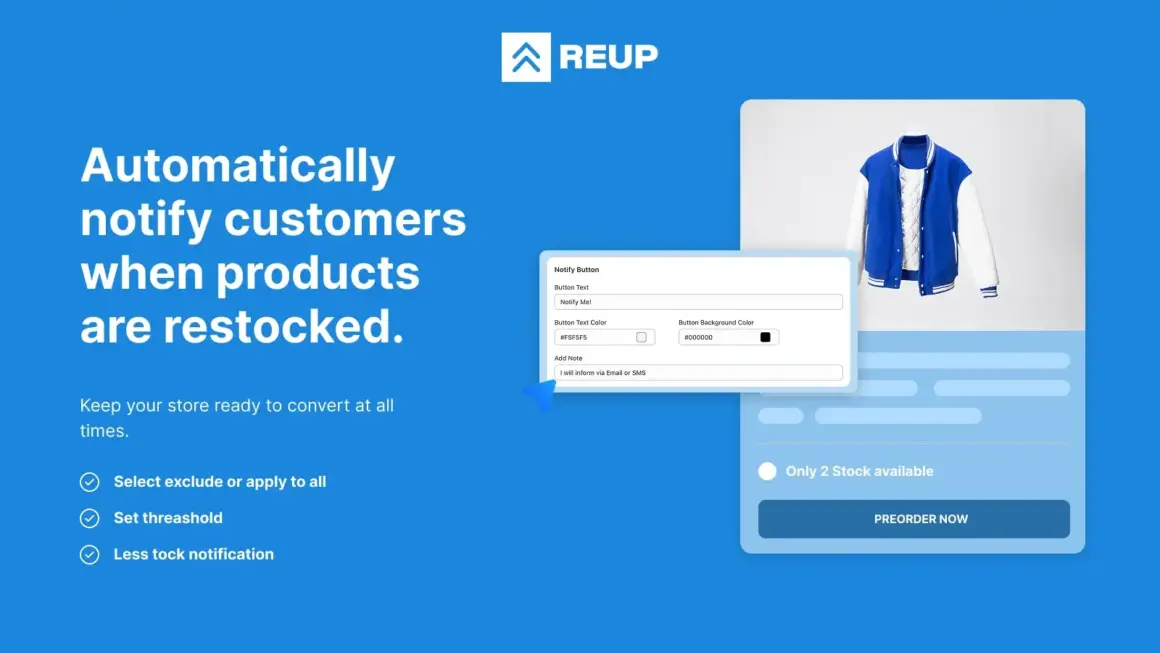
1. Let Customers Request a Restock Alert
The first step is giving customers a simple way to request a notification when a product is sold out.
Instead of showing only an “Out of Stock” message, you can give the customer an option to enter their email or other required information. This tells the customer that they do not need to keep checking the product page themselves.
Shopify Back in Stock Notifications make this process more useful because customers can receive an alert when the product becomes available again.
This is especially helpful for popular products that sell out quickly. Customers have already shown interest by trying to buy the product, so they are often valuable potential buyers when the item returns.
2. Notify Customers as Soon as Products Return
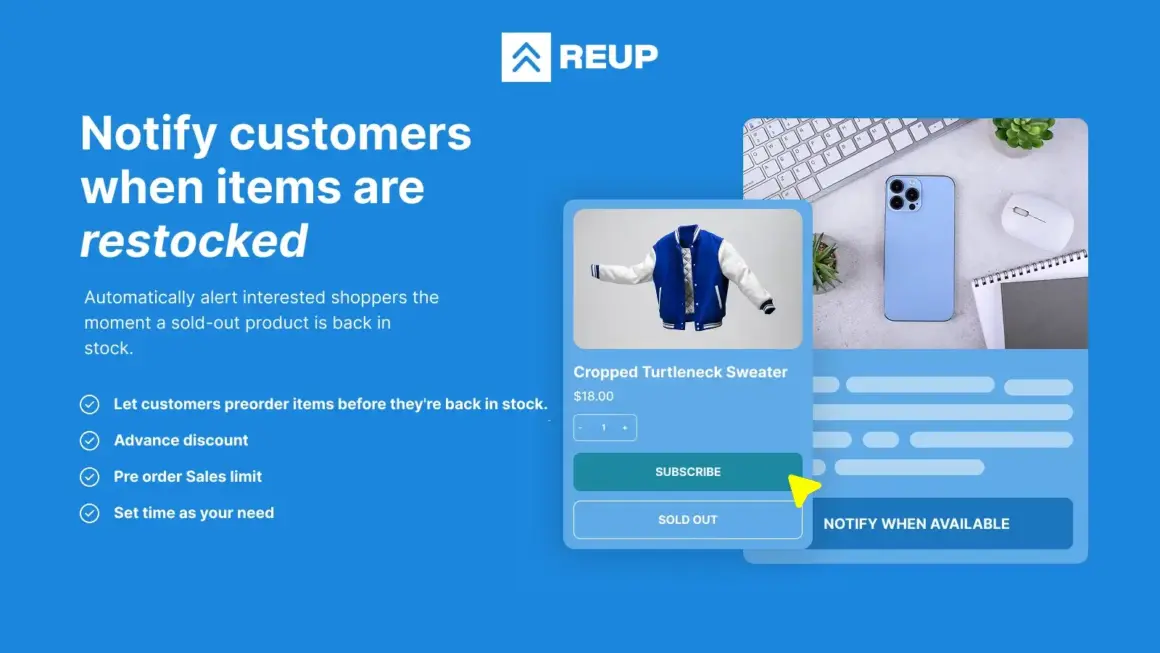
Timing can be important when a popular product comes back in stock. If customers have been waiting for the item, they may want to purchase it quickly.
A notification can tell them that the product is available again. This gives them a clear reason to return to your store and check the product.
For example, a simple message such as “Your product is back in stock” can be enough to bring an interested shopper back.
The faster the customer knows about the restock, the less chance there is that they will forget about the product or purchase it somewhere else.
3. Use Restock Alerts for Popular Products
Not every sold-out product needs the same level of attention. Merchants can focus on products that regularly receive strong customer interest.
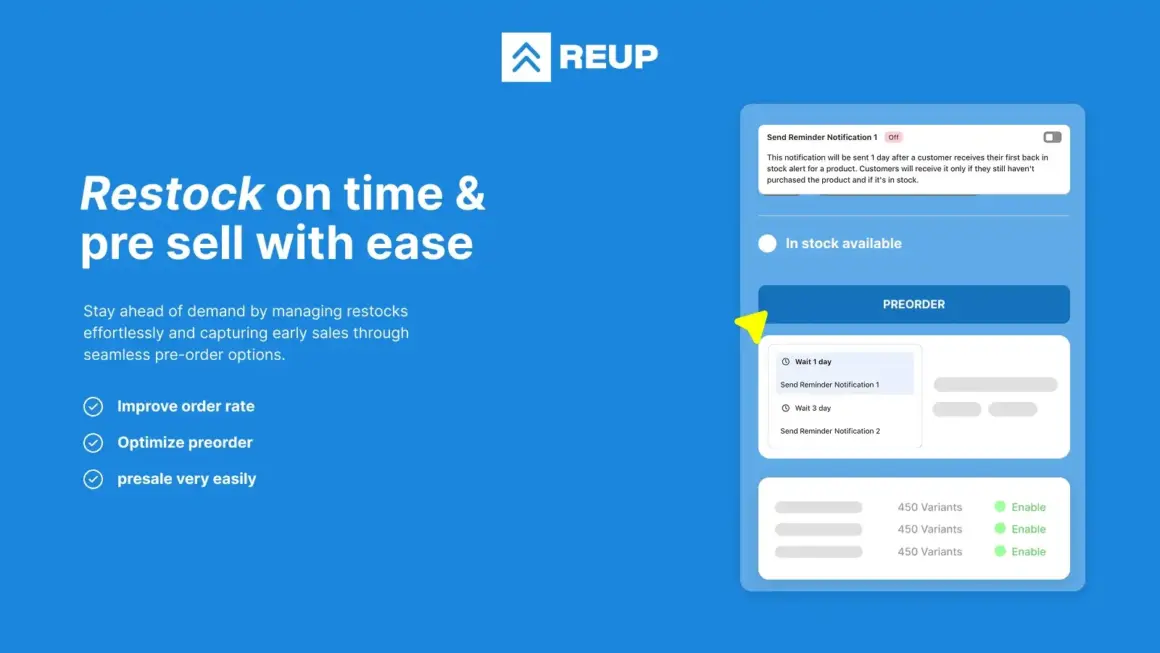
These could be best-selling products, popular sizes, trending colors, seasonal products, or items that sell out shortly after restocking.
Using Shopify Back in Stock Notifications for these products can help merchants make better use of their existing customer interest.
For example, if a specific shoe size regularly sells out, customers who requested an alert can be notified when that size becomes available again. This creates a direct opportunity to recover sales from customers who were already interested.
4. Turn Restocks Into New Sales Opportunities
A restock does not have to be only about telling customers that a product is available again. It can also be a chance to create a new sales opportunity.
When a popular product comes back, you can use the moment to promote related products or bundles on the product page. For example, if a customer is returning to buy a shirt, you could also show matching pants or accessories.
This can help increase the total value of the order while bringing back a customer who was already interested in the original product.
How Back-in-Stock Notifications Work
The process is simple for both the merchant and customer.
Step 1: Customer Finds a Sold-Out Product
The customer visits your Shopify store and finds a product they want to purchase, but the product is currently unavailable.
Step 2: Customer Requests an Alert
Instead of leaving the store, the customer can request a notification for the product.
Step 3: Product Comes Back in Stock
When you add inventory and the product becomes available again, the notification system can identify customers who requested an alert.
Step 4: Customer Gets Notified
The customer receives a notification that the product is available again.
Step 5: Customer Returns to Your Store
The customer can click through to the product and complete the purchase while the item is available.
Benefits for Shopify Merchants
Recover Potential Sales
Shopify Back in Stock Notifications can help merchants recover some of the sales opportunities created by out-of-stock products. Instead of losing an interested shopper permanently, you can give them a reason to return.
Keep Customers Engaged
Customers who request a restock alert have already shown interest in your product. Staying connected with these shoppers can be more useful than simply waiting for them to return on their own.
Improve Customer Experience
Customers do not have to remember to check your website again and again. A notification gives them a simple way to know when the product is available.
Support Popular Product Sales
If some products regularly sell out, back-in-stock alerts can help you capture demand when inventory becomes available again.
Using Reup for Back-in-Stock Alerts
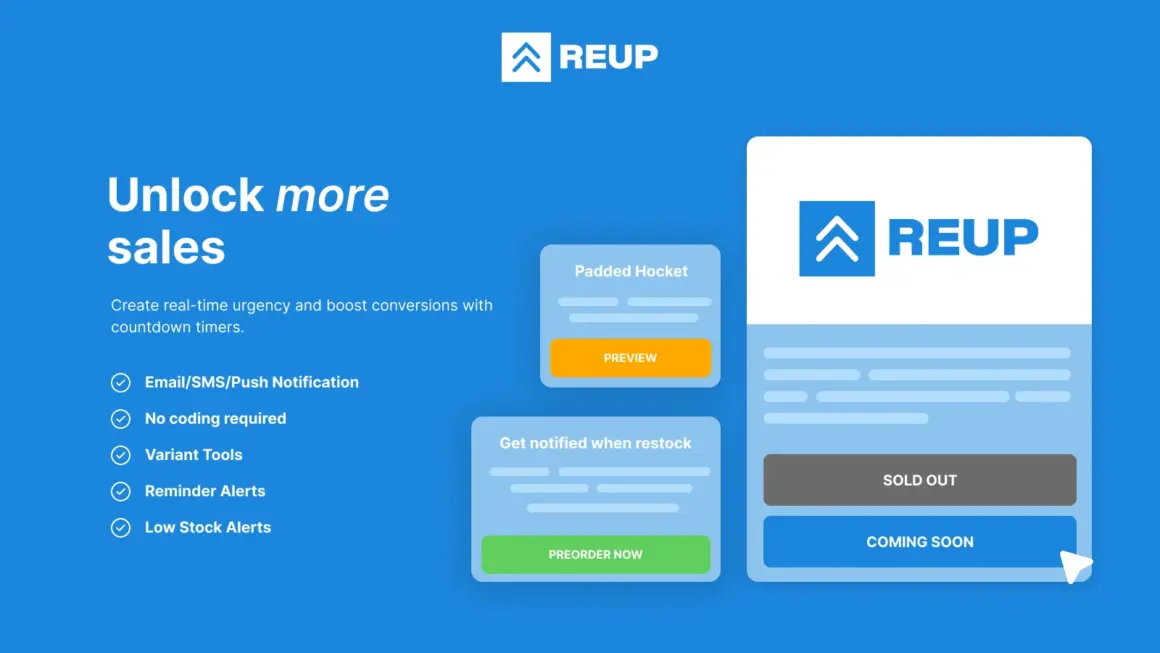
Shopify merchants looking for a solution for restock alerts can explore Reup Back In Stock & Preorder on the Shopify App Store.
Reup is designed around back-in-stock and preorder use cases, making it relevant for stores that want to keep customers connected with products that are unavailable or waiting for a new stock.
Before installing any app, it is a good idea to check the official Shopify App Store listing for the latest features, pricing, and available plans.
Best Practices for Shopify Back in Stock Notifications
- Make the notification option easy to find.
- Keep the signup process simple.
- Focus on products with strong customer demand.
- Send the alert when inventory is actually available.
- Use clear notification messages.
- Make sure the product page works correctly after the alert.
- Check your mobile experience.
Do Not Ignore Sold-Out Products
A sold-out product does not always mean a lost customer. In many cases, it means the customer is interested but cannot buy at that moment.
This is why Shopify Back in Stock Notifications can be useful. They give merchants a way to stay connected with customers who have already shown buying interest.
Instead of expecting shoppers to return on their own, you can give them a simple reason to come back when the product is available.
How to Choose Products for Restock Alerts
Start with products that have strong demand. Look at your sales history and identify items that frequently sell out or receive many product page visits.
You can also look at products with popular sizes, colors, or variations. Sometimes the main product is available, but a specific variant is sold out. These situations can also create a useful opportunity for restock alerts.
By focusing on products that customers actually want, you can make your notification strategy more useful.
Simple Example
Imagine you sell sneakers online. One popular sneaker sells out every month. Many customers visit the product page, but they cannot buy it when the stock reaches zero.
With Shopify Back in Stock Notifications, those customers can request an alert. When you receive new inventory, they can be notified that the sneaker is available again.
Now you have another chance to convert those interested visitors into buyers. You can also show related products, such as socks or shoe care products, to create an opportunity for a larger order.
More Shopify Learning Resources
If you want to learn more about Shopify apps, store management, eCommerce tools, and practical Shopify tips, you can visit ShopifyLearner.
You can also explore the Starkiu Shopify App Partner page to discover other Shopify apps and tools that may be useful for online stores.
Frequently Asked Questions
What are Shopify Back in Stock Notifications?
Shopify Back in Stock Notifications are alerts that tell customers when a product they wanted to buy becomes available again.
Can back-in-stock alerts recover lost sales?
Yes. They can give interested customers another reason to return to your store when the product is available again.
Why should I use restock notifications?
Restock notifications can help you stay connected with customers who already showed interest in a sold-out product. This can create another opportunity to make a sale.
Can I use alerts for product variants?
Depending on the app and its features, merchants may be able to use alerts for specific products or variants such as sizes and colors. Check the app’s current feature list before installing it.
Is Reup useful for back-in-stock alerts?
Reup Back In Stock & Preorder is designed for back-in-stock and preorder use cases. You can check its official Shopify App Store page for current features and pricing.
Conclusion
Shopify Back in Stock Notifications can be a simple way to recover sales that may otherwise be lost when products sell out. Instead of allowing interested customers to leave without a way to reconnect, merchants can give them an option to receive a restock alert.
The four strategies in this guide show how merchants can use restock alerts to bring customers back, support popular products, improve customer communication, and create new sales opportunities.
If your Shopify store regularly sells out of popular products, adding a reliable back-in-stock notification system can be a useful part of your sales strategy. Start with your most popular products, keep the signup process simple, and make sure customers receive a clear message when the product becomes available again.