Shopify Restrict Quantity is an effective way for merchants to control how many products customers can purchase in a single order. Whether you want to prevent bulk buying, manage limited stock, support wholesale rules, or create fair purchasing conditions, quantity restrictions can help improve store management and customer experience.
Many Shopify stores need more control over product quantities than the default Shopify settings provide. With the right solution, merchants can easily set minimum and maximum purchase limits without technical knowledge.
In this guide, we will explain seven smart ways to use Shopify Restrict Quantity features to manage customer purchases and improve your online store performance.
Table of Contents
What Is Shopify Restrict Quantity?
Shopify Restrict Quantity allows store owners to control the number of units customers can add to their cart or purchase during checkout. These restrictions can be applied to individual products, collections, customer groups, or the entire store.
Quantity restrictions are useful for businesses selling limited products, wholesale items, seasonal products, and high-demand inventory.
1. Set Maximum Product Quantity Limits
One of the most common uses of Shopify Restrict Quantity is setting a maximum purchase limit for products.
- Prevent bulk purchasing.
- Protect limited inventory.
- Stop reseller abuse.
- Ensure fair product availability.
For example, a store selling a limited-edition product can allow each customer to buy only two units.
2. Create Minimum Purchase Requirements
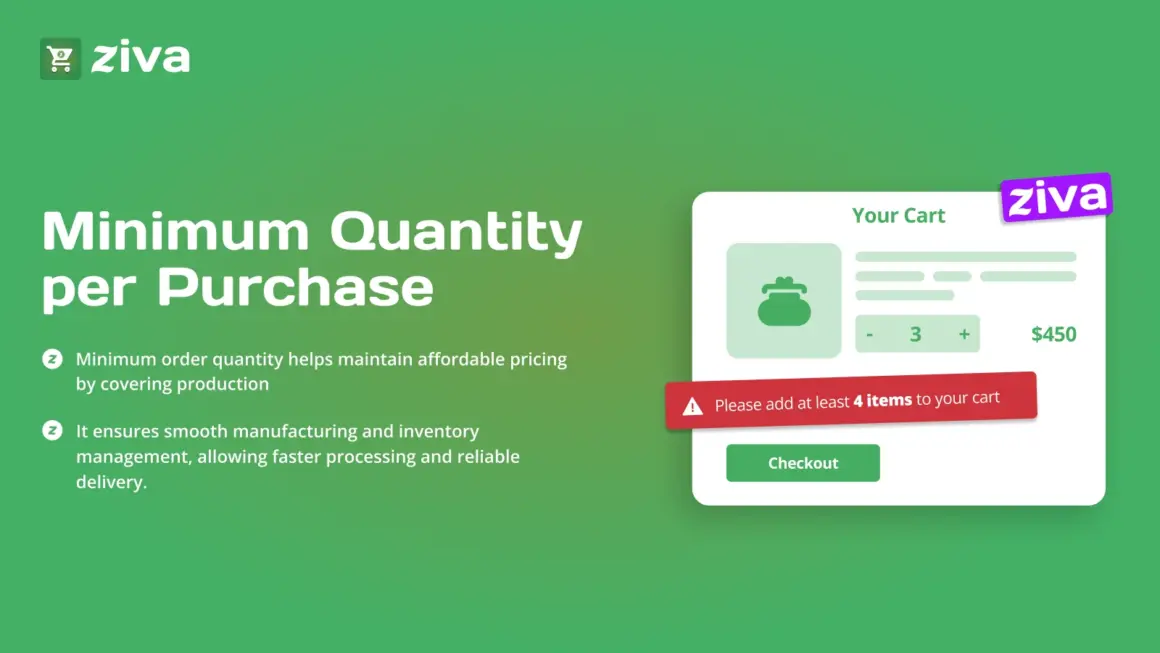
Some businesses need customers to buy a minimum quantity before placing an order.
This is useful for:
- Wholesale stores.
- B2B businesses.
- Bulk product sellers.
- Bundle promotions.
Minimum quantity rules help increase order value and improve profitability.
3. Control Limited Stock Products
When inventory is limited, quantity restrictions help distribute products among more customers.
Shopify Restrict Quantity helps merchants avoid situations where a few customers purchase all available stock.
4. Apply Quantity Rules to Collections
Instead of creating limits for individual products, merchants can apply rules to complete collections.
Examples:
- Maximum 5 items from a sale collection.
- Minimum 3 products from a wholesale collection.
- Special rules for seasonal products.
5. Create Customer-Specific Purchase Rules
Different customers may require different buying limits.
- Retail customers.
- Wholesale buyers.
- VIP customers.
- Business accounts.
Flexible Shopify Restrict Quantity settings allow merchants to provide customized shopping experiences.
6. Improve Inventory Management
Quantity restrictions make inventory planning easier by controlling purchasing behavior.
- Reduce unexpected stock shortages.
- Improve demand forecasting.
- Manage warehouse operations better.
- Maintain product availability.
7. Use a Shopify Quantity Limit App
Managing advanced quantity rules manually can be difficult. A dedicated Shopify app makes the process faster and easier.
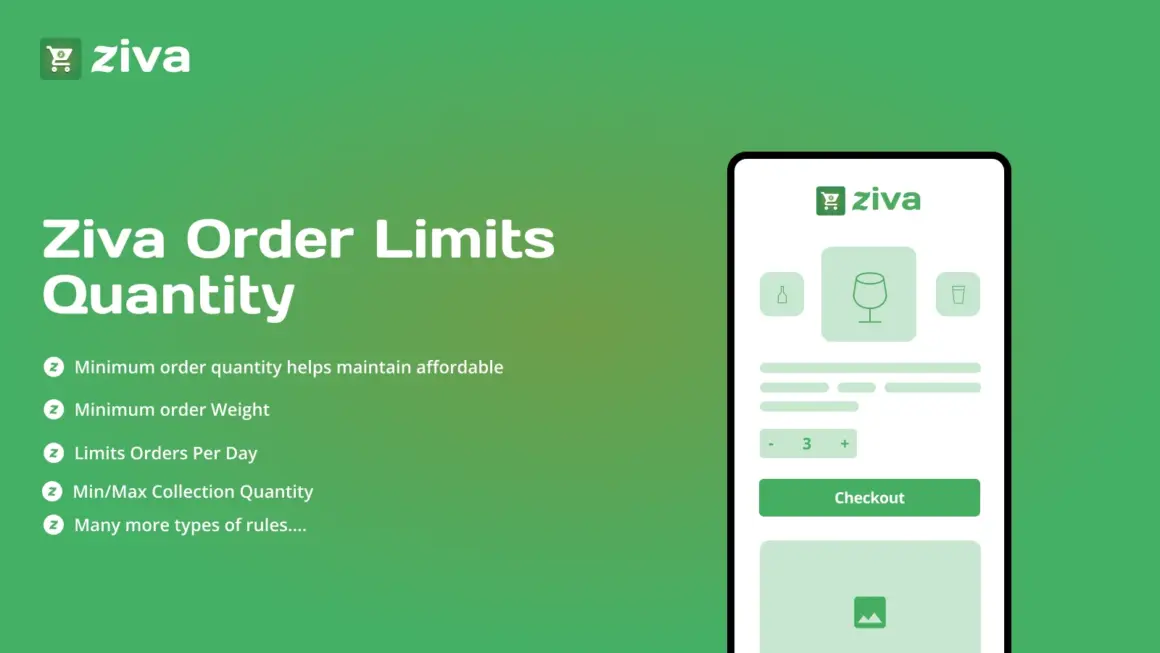
The Ziva Order Limits Quantity App helps merchants create product quantity rules, minimum and maximum limits, collection restrictions, customer-specific rules, and cart quantity controls without coding.
Benefits of Using Ziva Order Limits Quantity App
- Easy installation.
- No coding required.
- Set minimum and maximum quantities.
- Control product purchases.
- Create collection-based rules.
- Support customer-specific limits.
- Improve inventory control.
- Works smoothly with Shopify stores.
Using the right tool makes Shopify Restrict Quantity management simple and effective for businesses of all sizes.
Why Shopify Stores Need Quantity Restrictions
Quantity restrictions help merchants create better control over their sales process.
Key benefits include:
- Higher average order value.
- Better stock management.
- Reduced bulk buying issues.
- Improved customer fairness.
- Better wholesale management.
- Smoother order processing.
Learn More About Shopify Store Growth
For more Shopify tutorials, eCommerce strategies, and store optimization guides, visit ShopifyLearner.com. It provides practical resources to help merchants improve their Shopify stores and grow online sales.
Frequently Asked Questions
What does Shopify Restrict Quantity mean?
It means controlling how many units of a product customers can purchase in one order.
Why should Shopify stores restrict product quantities?
It helps prevent bulk purchases, protect inventory, support wholesale rules, and improve customer experience.
Can I set different quantity limits for different products?
Yes. Shopify quantity apps allow merchants to create different rules for different products and collections.
Can I restrict quantities for wholesale customers?
Yes. Customer-based quantity rules can help manage wholesale and B2B purchasing requirements.
Which app can help with Shopify quantity restrictions?
The Ziva Order Limits Quantity App provides flexible quantity controls, purchase limits, and customer-specific rules without coding.
Conclusion
Shopify Restrict Quantity is a valuable solution for merchants who want better control over customer purchases. From preventing bulk orders to improving inventory management and supporting wholesale sales, quantity limits can make your Shopify store more efficient. By using a powerful tool like the Ziva Order Limits Quantity App, you can easily manage purchasing rules and create a better shopping experience for your customers.